


|
|
Seeed Studio Grove Smart IR Gesture Sensor (PAJ7660) |
x 1 | |
|
|
Arduino Nano R3 |
x 1 | |
|
|
DFRobot I2C 16x2 Arduino LCD Display Module |
x 1 | |

|
AI-1223-TWT-5V-RPUI AUDIO, INC.
|
x 1 | |
|
|
LEDGeneric
|
x 5 | |

|
OY102KEOHMITE
|
x 5 |

|
arduino IDEArduino
|
|

|
Soldering Iron Kit |
Grove Smart IR Gesture Sensor (PAJ7660) Arduino Project
Тoday I received the package I ordered from Seed Studio , and it contains the Grove smart IR Gesture sensor. The product is nicely packaged and comes with a basic information sheet.

This is a relatively new module, and this time I will try to make a practical device that will present its possibilities with the help of a microcontroller. During testing and development I will use utilities, libraries, and instructions from the Seed Studio site:
As for microcontrollers, I plan to work with an Arduino Nano. Otherwise, the Gesture sensor module on the back side has a microswitch with 4 units, with which combinations can be changed the method of communication between I2C, SPI, and USB mode.

The fastest and easiest way to test the sensor and basic functions is using the provided Windows application Gesture Demo.

For this purpose, the module should be set in USB mode, which means that the four microswitches should be in the OFF position. On the front of the sensor, in the upper left corner, there is a small human shape. If you see the figure standing upright, then you have placed it in the correct position.

Now we need to connect the Grove Gesture Sensor to PC, start Application , and click on RUN button in the top left corner of the software and then select Gesture mode to see the results in real time.
Next, I present to you a way to make an independent device with the help of an Arduino microcontroller. This is the simplest example that will show the recognized gestures on the LCD display in text form, and at the same time will turn on the corresponding LED. LEDs can be replaced by relays that control a process, or execute another command or perform a function according to the user's needs. In a word, basically with this simple code, and with minimal modifications we can make complex functional devices. Otherwise the basic code is also taken from the Seed Studio site indicated above in the text. Writing code is not my specialty, so I'm sure it could be made much simpler, but the most important thing is that it works flawlessly. If you have knowledge, you can freely modify and simplify it.

The whole device is very simple and contains only a few components:
- Arduino microcontroller
- 16x2 characters I2C LCD Display
- 5 LEDs with suitable resistors for current control
- Buzzer
- and Grove Smart IR Gesture Sensor from Seed Studio

First we will do a finger test, where depending on the number of detected fingers, the appropriate number of LEDs are activated. Next is Swipe, which detects the direction of hand movement. For example, in this way we can change pictures in a photo album, programs on TV, or songs in a playlist. And this time, just one more test, which I think is the most interesting, and that is clockwise and counterclockwise rotation. As you can see on the video, the executed commands are constantly displayed on the LCD Display.
And finally a short conclusion:
This little module is an intelligent gesture recognition device equipped with an infrared camera sensor and applied AI algorithm. It can detect over 15 gestures with wide detection while supporting both IIC and SPI communication. In this video, I have presented the simplest way of controlling the module, thus giving you the opportunity to develop more ideas yourself and make a device according to your needs.Otherwise, you can get the module in the Seed Studio store at a really affordable price, and the address is given below in the text.


Grove Smart IR Gesture Sensor (PAJ7660) Arduino Project


Attribution-ShareAlike (CC BY-SA) License
Read More⇒








Raspberry Pi 5 7 Inch Touch Screen IPS 1024x600 HD LCD HDMI-compatible Display for RPI 4B 3B+ OPI 5 AIDA64 PC Secondary Screen(Without Speaker)
BUY NOW


- Comments(0)
- Likes(1)
More by Mirko Pavleski
-
 Arduino 3D Printed self Balancing Cube
Self-balancing devices are electronic devices that use sensors and motors to keep themselves balanc...
Arduino 3D Printed self Balancing Cube
Self-balancing devices are electronic devices that use sensors and motors to keep themselves balanc...
-
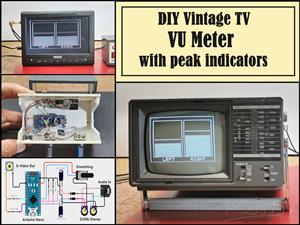 DIY Vintage TV VU Meter with peak indicators
Some time ago in one of my projects I presented you a way to turn a black and white old mini TV int...
DIY Vintage TV VU Meter with peak indicators
Some time ago in one of my projects I presented you a way to turn a black and white old mini TV int...
-
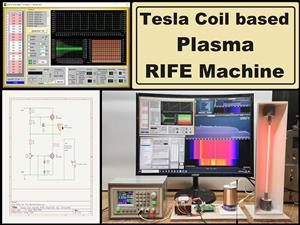 DIY Tesla Coil based Plasma Rife Machine
In several of my previous videos, I presented you with different ways to make a Rife Machine, from ...
DIY Tesla Coil based Plasma Rife Machine
In several of my previous videos, I presented you with different ways to make a Rife Machine, from ...
-
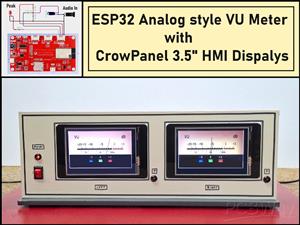 ESP32 Analog VU Meter – Smooth Needle, Real Audio Response (DIY Build)
In several of my previous videos I have shown you how to make analog VU meters emulated on differen...
ESP32 Analog VU Meter – Smooth Needle, Real Audio Response (DIY Build)
In several of my previous videos I have shown you how to make analog VU meters emulated on differen...
-
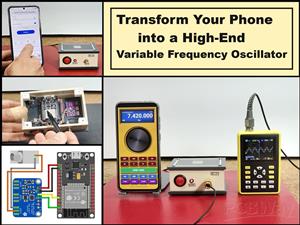 The Ultimate Smartphone VFO ESP32 & Si5351 Wireless Control
Variable frequency oscillators (VFOs) are commonly used in radio transmitters and receivers, especi...
The Ultimate Smartphone VFO ESP32 & Si5351 Wireless Control
Variable frequency oscillators (VFOs) are commonly used in radio transmitters and receivers, especi...
-
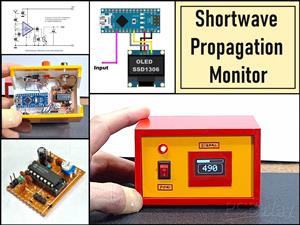 DIY Shortwave Propagation Monitor - Measure Ionosphere Conditions
Shortwave Propagation is the way radio waves in the 3 to 30 MHz range travel from point A to point ...
DIY Shortwave Propagation Monitor - Measure Ionosphere Conditions
Shortwave Propagation is the way radio waves in the 3 to 30 MHz range travel from point A to point ...
-
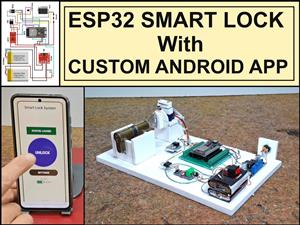 Professional grade Smart Lock with ESP32, BLE and Android App Control
An electronic codelock is a security device that grants access using a numerical sequence—a PIN cod...
Professional grade Smart Lock with ESP32, BLE and Android App Control
An electronic codelock is a security device that grants access using a numerical sequence—a PIN cod...
-
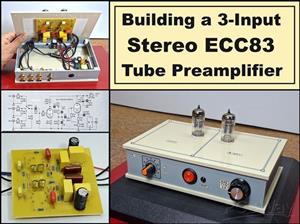 Building a 3-Input Stereo ECC83 (12AX7) Tube Preamp
Some time ago I presented you a project for a 3W stereo tube amplifier with a GU32 output vacuum t...
Building a 3-Input Stereo ECC83 (12AX7) Tube Preamp
Some time ago I presented you a project for a 3W stereo tube amplifier with a GU32 output vacuum t...
-
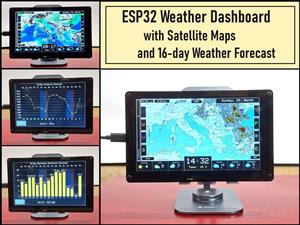 ESP32 Weather Dashboard with Satellite Maps and 16-day Weather Forecast
As you can see from my previous videos, besides Electronics, my fields of experimentation and proje...
ESP32 Weather Dashboard with Satellite Maps and 16-day Weather Forecast
As you can see from my previous videos, besides Electronics, my fields of experimentation and proje...
-
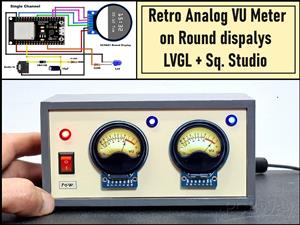 Retro Analog VU Meter on Round dispalys (ESP32 and GC9A01)
Recently, in one of my previous videos I presented you a Retro VU Meter project on round displays ...
Retro Analog VU Meter on Round dispalys (ESP32 and GC9A01)
Recently, in one of my previous videos I presented you a Retro VU Meter project on round displays ...
-
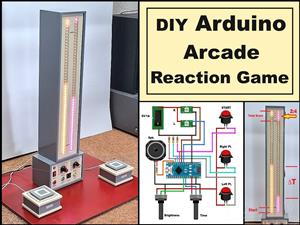 Ultimate 2-Player Reaction Timer with WS2812B LED Strips & Arduino
Arcade reaction game is a genre of play designed to test a player's physical response time and hand...
Ultimate 2-Player Reaction Timer with WS2812B LED Strips & Arduino
Arcade reaction game is a genre of play designed to test a player's physical response time and hand...
-
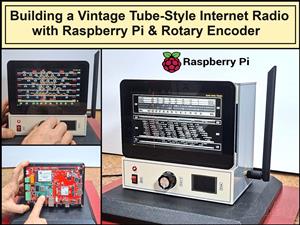 Building a Vintage Tube-Style Internet Radio with Raspberry Pi & Rotary Encoder
Internet radio (also known as web radio or net radio) is a digital audio service transmitted via th...
Building a Vintage Tube-Style Internet Radio with Raspberry Pi & Rotary Encoder
Internet radio (also known as web radio or net radio) is a digital audio service transmitted via th...
-
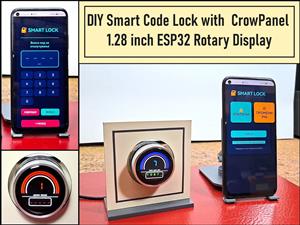 DIY Smart Code Lock with CrowPanel 1.28 ESP32 Rotary Display
A code lock is a keyless security device—either mechanical or electronic—that restricts access to d...
DIY Smart Code Lock with CrowPanel 1.28 ESP32 Rotary Display
A code lock is a keyless security device—either mechanical or electronic—that restricts access to d...
-
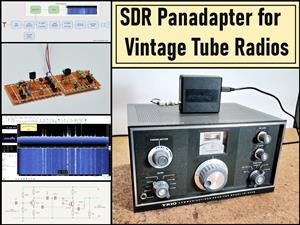 SDR Panadapter for Vintage Tube Radios – Step-by-Step Tutorial
A radio panadapter (or panoramic adapter) is a device or software tool used in amateur radio and ot...
SDR Panadapter for Vintage Tube Radios – Step-by-Step Tutorial
A radio panadapter (or panoramic adapter) is a device or software tool used in amateur radio and ot...
-
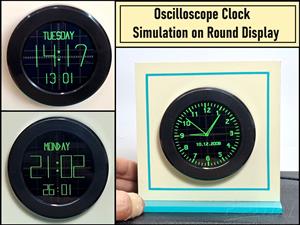 Oscilloscope Clock Simulation on a Round ESP32 Display
An oscilloscope clock is a circuit that turns an old analog oscilloscope into a stylish, retro-them...
Oscilloscope Clock Simulation on a Round ESP32 Display
An oscilloscope clock is a circuit that turns an old analog oscilloscope into a stylish, retro-them...
-
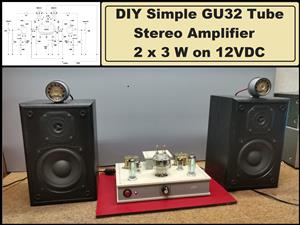 DIY Simple GU32 Tube Stereo Amplifier (2x3W on 12VDC)
Vacuum tube amplifiers are often favored for their smooth harmonic distortion, especially in the low...
DIY Simple GU32 Tube Stereo Amplifier (2x3W on 12VDC)
Vacuum tube amplifiers are often favored for their smooth harmonic distortion, especially in the low...
-
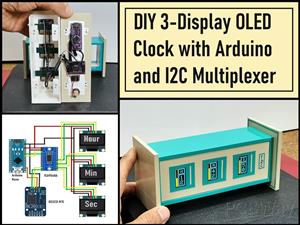 DIY 3-Display OLED Clock with Arduino and I2C Multiplexer
In this video I want to present you another unusual clock to add to my large collection of such DIY...
DIY 3-Display OLED Clock with Arduino and I2C Multiplexer
In this video I want to present you another unusual clock to add to my large collection of such DIY...
-
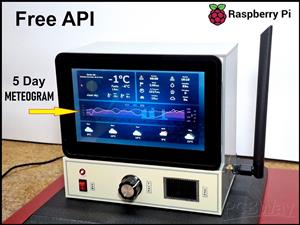 Build a 5-Day forecast Raspberry Pi Weather Dashboard (Step-by-Step)
Recently in one of my previous videos,I introduced you to the 7 inch Elecrow Pi Terminal and how to...
Build a 5-Day forecast Raspberry Pi Weather Dashboard (Step-by-Step)
Recently in one of my previous videos,I introduced you to the 7 inch Elecrow Pi Terminal and how to...
-
-
ARPS-2 – Arduino-Compatible Robot Project Shield for Arduino UNO
2532 0 5 -
A Compact Charging Breakout Board For Waveshare ESP32-C3
2986 3 8 -
AI-driven LoRa & LLM-enabled Kiosk & Food Delivery System
3193 2 1 -
-
-
-
ESP32-C3 BLE Keyboard - Battery Powered with USB-C Charging
3261 0 2




















